
Helpful
information on maintaining your PC. Learn how to protect your data, clean the
PC and more. 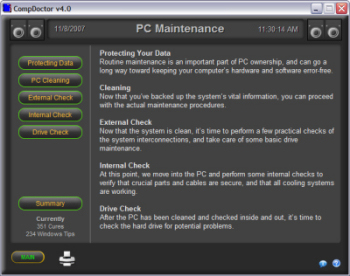
Clicking a button in the left menu
will display the how-to for that selection. Click on "Main" to return to the main
page.
Protecting Your Data
Routine maintenance is an important part of PC
ownership, and can go a long way toward keeping your computer’s hardware and
software error-free.
Cleaning
Now that you’ve backed up the system’s vital
information, you can proceed with the actual maintenance
procedures.
External
Check
Now that the system is clean, it’s time to
perform a few practical checks of the system interconnections, and take care of
some basic drive maintenance.
Internal
Check
At this point, we move into the PC and perform
some internal checks to verify that crucial parts and cables are secure, and
that all cooling systems are working.
Drive Check
After the PC has been cleaned and checked inside and out,
it’s time to check the hard drive for potential
problems.
Printing: Click the  button to print any of the articles.
Copyright © 2001-2007 HighDesert Software Co.